

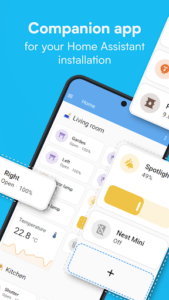
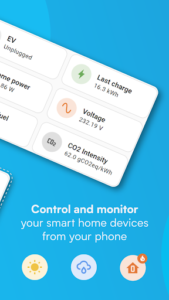
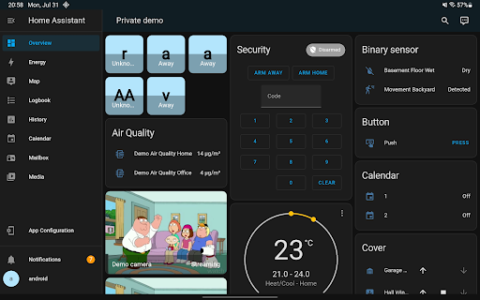
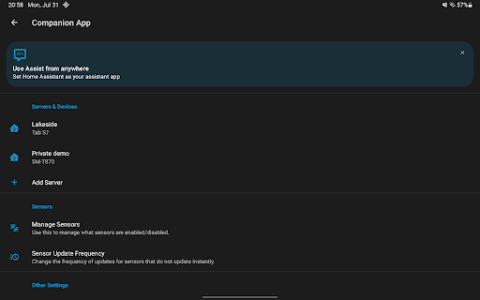
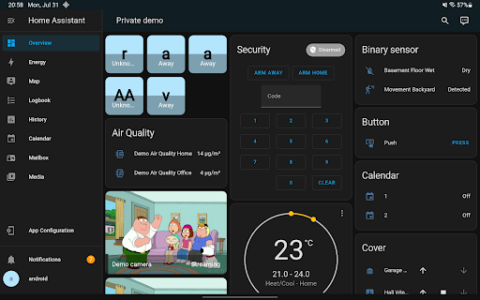
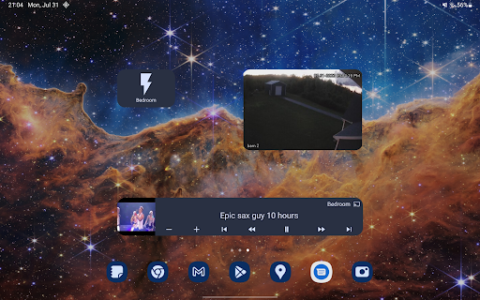
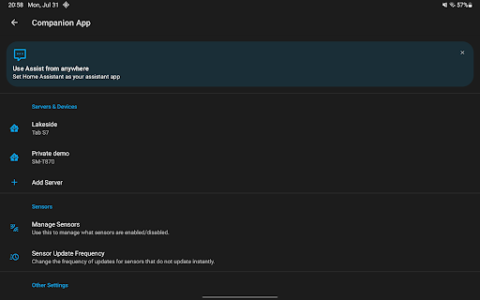
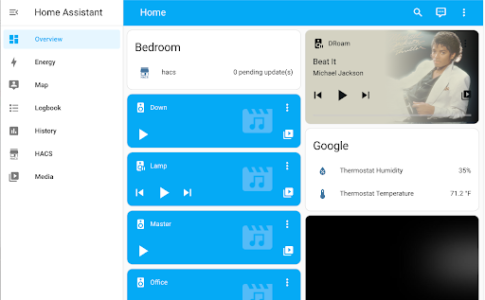
The Home Assistant app serves as a mobile companion, granting users access to their self-hosted Home Assistant instance. This application allows you to manage your entire smart home environment, connecting to thousands of smart devices and services across numerous brands. A core aspect of Home Assistant is its emphasis on privacy and local data management, as the underlying system operates directly within your home on a dedicated device such as a Home Assistant Green or Raspberry Pi, ensuring your home’s data remains private and under your control.
Unified Smart Home Control
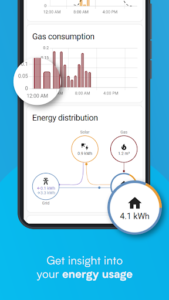
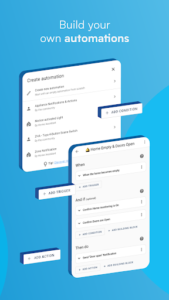
The app streamlines the management of diverse smart home devices, acting as a central point for controlling your entire home. It supports automatic discovery and quick configuration of new devices, including those compatible with Philips Hue, Google Cast, Sonos, IKEA Tradfri, and Apple Homekit. Beyond specific brands, Home Assistant also connects to open standards through hardware add-ons, encompassing technologies like Z-Wave, Zigbee, Matter, Thread, and Bluetooth. This broad compatibility enables users to automate various aspects of their home, such as dimming lights when a movie starts or adjusting heating when away. All home data is stored locally, allowing for private access to past trends and averages.
Remote Access and Mobile Integration
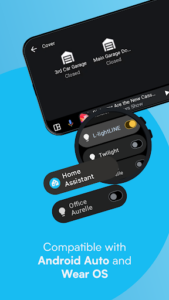
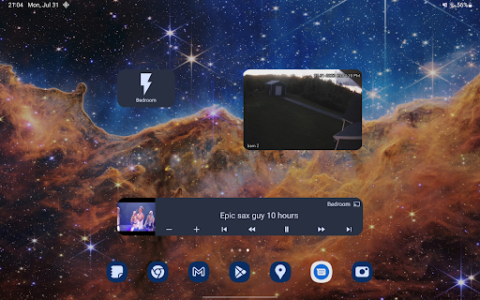
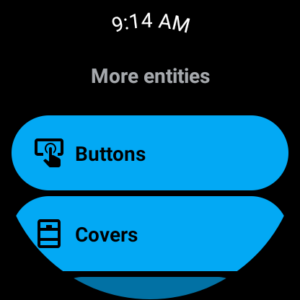
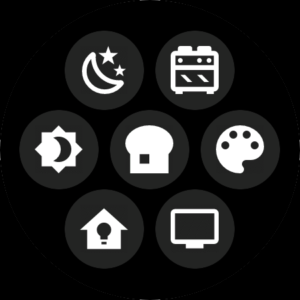
For those who wish to access their Home Assistant instance while away from home, the app supports remote connectivity. The most secure and straightforward method for establishing this access is through Home Assistant Cloud. The app also transforms your smartphone or tablet into a robust home automation tool. It can securely share your location, which can then be used to automate systems like heating or security. Additionally, your phone’s sensors can provide data for automations, including steps taken, battery level, connectivity status, and your next alarm. The app delivers notifications regarding home events, such as leak detection or doors left open, with full user control over the alerts received. Enhanced functionality includes Android Auto support, enabling control of home features like garage doors or security systems directly from your car’s dashboard. Users can also build custom widgets for quick, tap-based control of any device and interact with their local voice assistant on the device using text or voice commands. Furthermore, the app offers Wear OS compatibility, extending notifications, sensor data, tiles, and watchface complications to supported smartwatches.







Write a review